
Frame 01How it works
Three steps between you and a better swing.
No app jargon. No "AI-powered analysis." Just a PGA Instructor watching the same swing you'd show your buddy, except with annotations, voice-over, and a drill list you can actually use.
The one fix
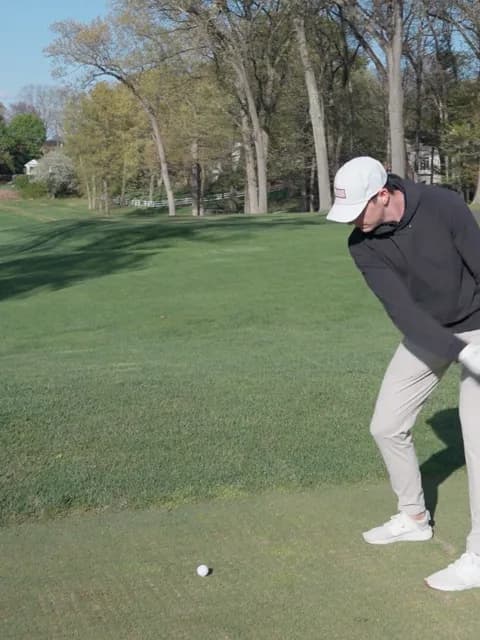
HalfwayP3
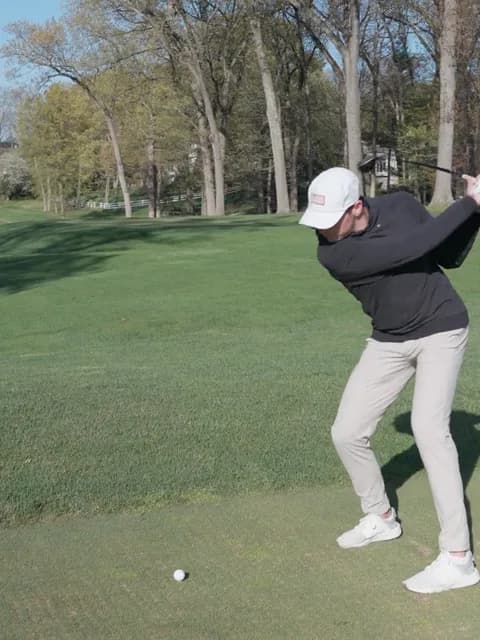
TopP4
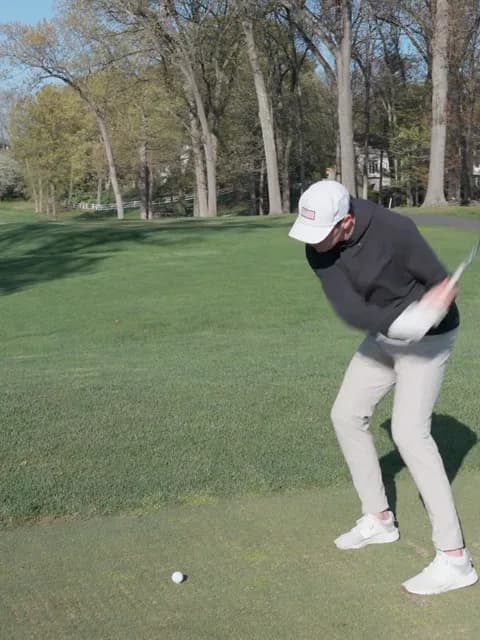
TransitionP5
Note 01See it in action
Watch a real SwingShot analysis.
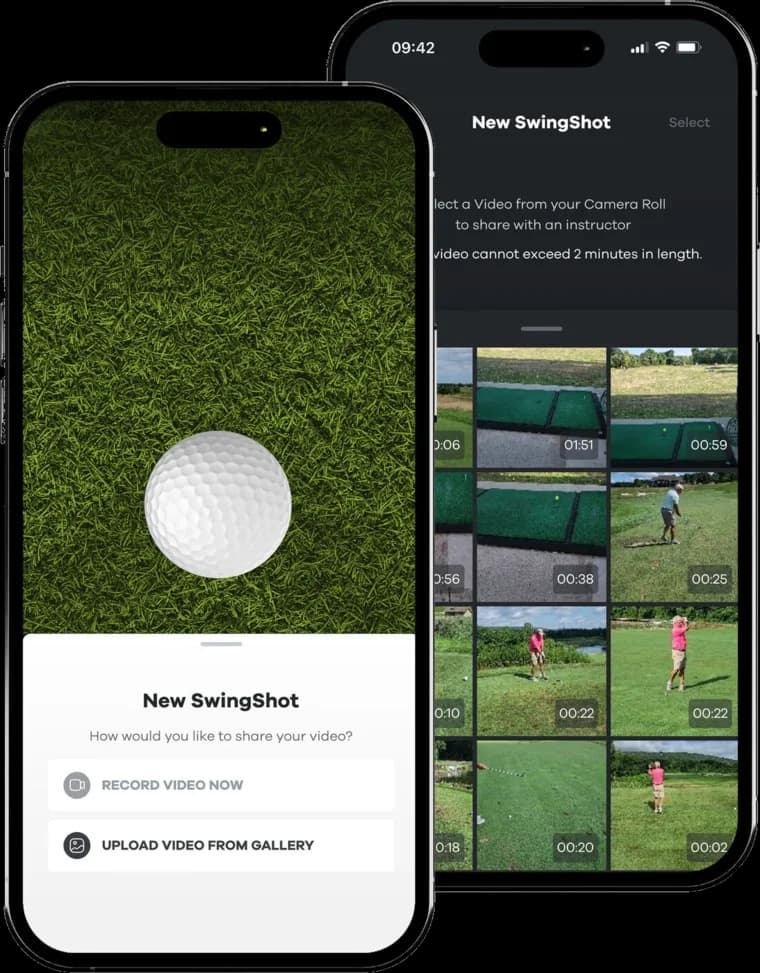
A quick walkthrough of the app: recording a swing, the PGA Instructor's annotated feedback, and the voice-over breakdown.
Frame 02
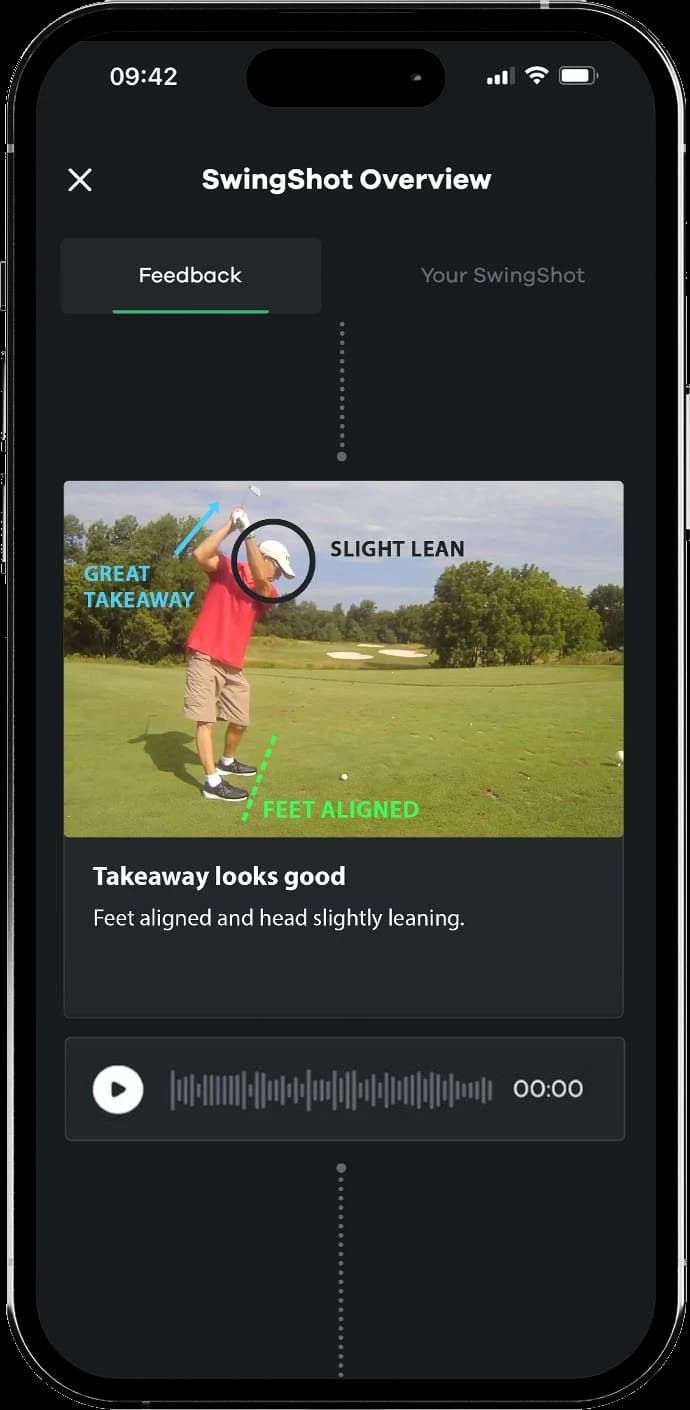
Record your swing on your phone
Open the app and record your swing, or upload one you already filmed. Down-the-line (behind you) or face-on (in front of you), at the range, a simulator or the course. No tripod, no special equipment.
- Down-the-line for path issues
- Face-on for setup + impact
- Driver, irons, wedges, putter
Frame 03
A PGA Instructor analyzes it
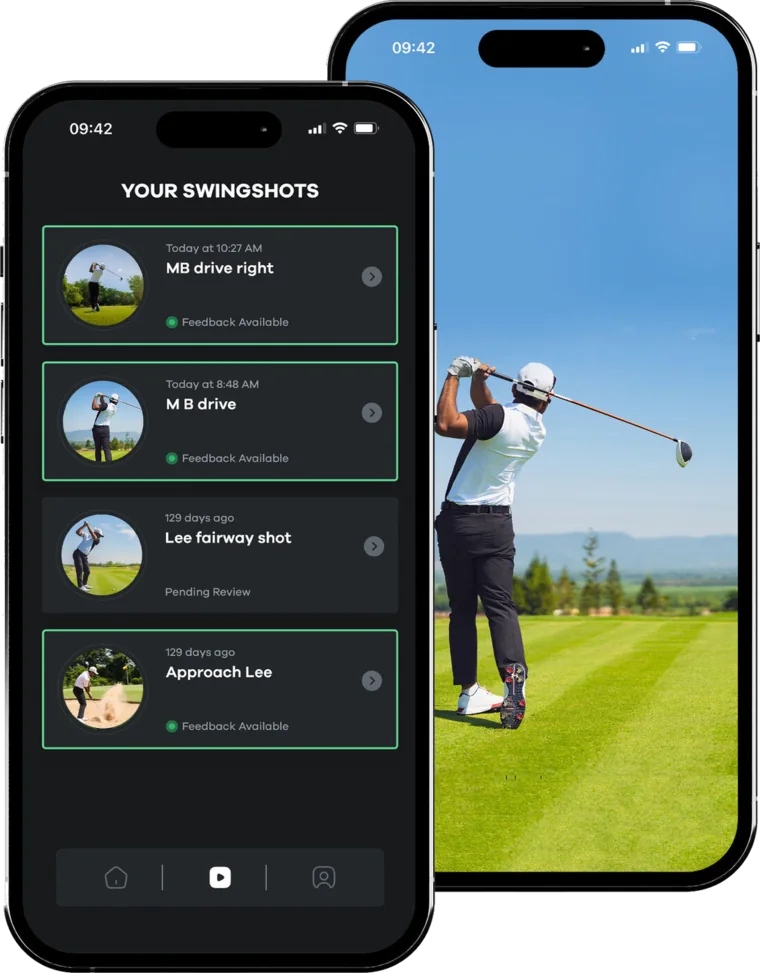
Your swing goes to a PGA Instructor, who records a voice-over on top of your own video: they introduce themselves, tell you what's working, what's leaking power, and the one thing to fix first.
- A real voice on your own swing
- Lines and circles on the frames that matter
- The one fix to work on first
- Drills to take to the range
Frame 04
Replay, drill, archive
Feedback lands in your library within hours. Re-watch anytime. Take it to the range. Fix that one thing, then send the next swing: to the same PGA Instructor, or a different one if you'd like a second opinion.
- Cloud swing library
- Keep the same PGA Instructor, or request another
- Re-watch it anytime, on your phone
Note 02The four barriers to a lesson
Cost, time, intimidation, access. SwingShot clears all four.
| Barrier | Live lesson | SwingShot |
|---|---|---|
| Cost | Priced per hour, every lesson | From $12.95 per SwingShot |
| Time | The instructor's calendar, plus the drive | Whenever you record, back within hours |
| Intimidation | Swinging while someone watches | Film on your own, wherever you're comfortable |
| Access | An instructor, club or academy near you | Anywhere you can film a swing |
Already work with an instructor? SwingShot fits between lessons. A SwingShot is $12.95 with a subscription or $19.95 on its own. See pricing →
Frame 05The voice-over
Not just lines on a screen. A PGA Instructor talking to you.
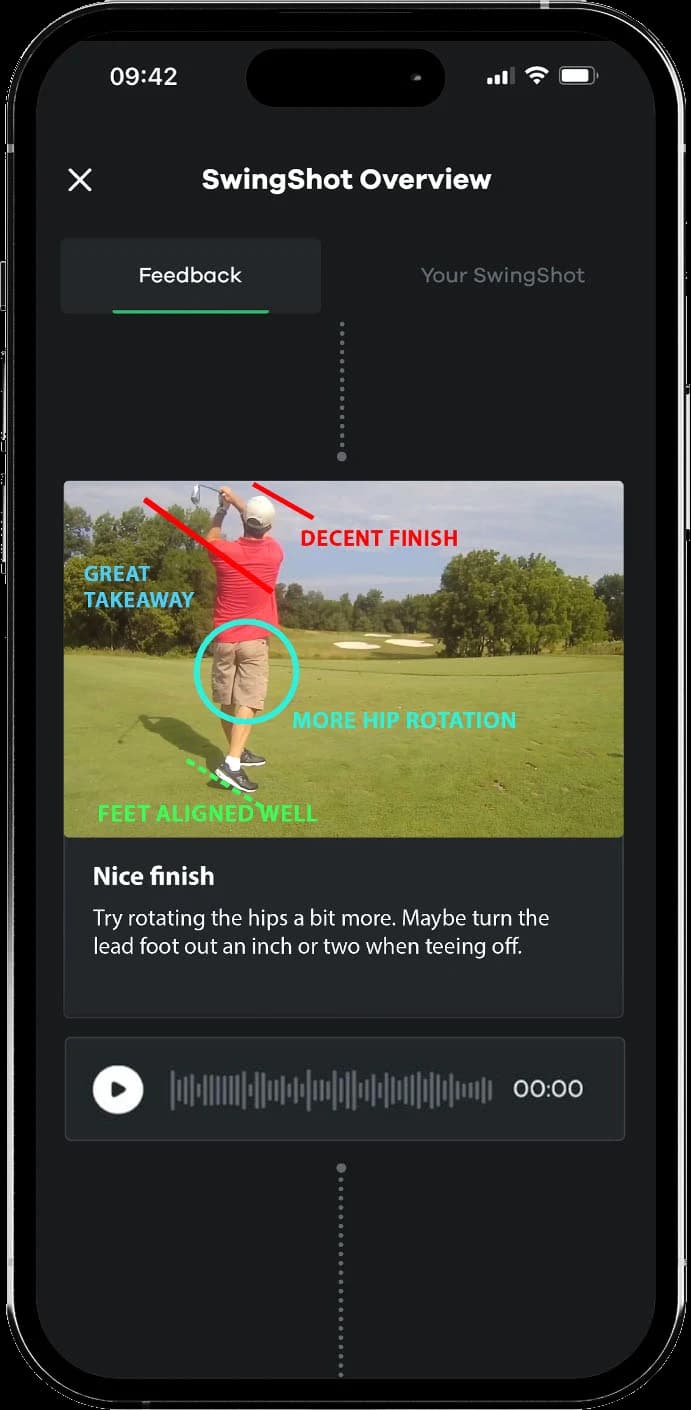
AI can draw circles. Your PGA Instructor walks you through your own swing in their own voice, so you know what to fix, how to fix it, and why it matters.
- 01
By name
A real person has watched your whole swing and is talking to you about it. They introduce themselves, use your name, and tell you what to fix, how to fix it, and why it matters. - 02
One fix at a time
No one gets a perfect swing from one SwingShot, and no PGA Instructor pretends otherwise. You get the change that matters most right now. Fix it, send the next swing, and build from there. - 03
Not instant, on purpose
Software is instant. A PGA Instructor who watches your swing and finds the fix that matters isn't, and that's the point. It's still back within hours.
Note 03Common questions
How-it-works FAQ
Phone on a tripod or buddy holding it at hip height, 8–10 feet back from the ball. Down-the-line (behind you) is best for path issues; face-on (in front of you) is best for setup and impact position. The app guides you through both.
No. Your phone's video is fine. Most golfers shoot at the driving range with the phone propped on a bag. You can also film at the course, just keep your group moving.
Say so on your next SwingShot: every upload has a description where you tell your PGA Instructor what you're working on and what wasn't clear. Or send it to a different PGA Instructor for a second look.
You've probably watched fifty videos on fixing your slice and still slice it. The advice isn't wrong, it's just not about your swing. A SwingShot PGA Instructor watches your exact motion and gives you the one drill that fixes it.
AI can measure your swing: angles, tempo, a screen full of numbers. What it can't do is tell you which number is actually costing you strokes, or talk you through it. A PGA Instructor who reads swings for a living cuts the noise down to the one thing to fix, and you can keep the same one from one SwingShot to the next.
Absolutely. Use SwingShot between lessons to lock in what your local instructor showed you, and pull up the feedback in the app at your next lesson.
Email support@swingshot.com. We'll review your swing library and recommend a different PGA Instructor if it isn't working. Improvement is the product. If you're not getting it, we want to know.
Get the app
Send a swing today.
Download SwingShot, record at the range, and a PGA Instructor talks you through the fix within hours.